Choose language
< Return to main menu
Choose language





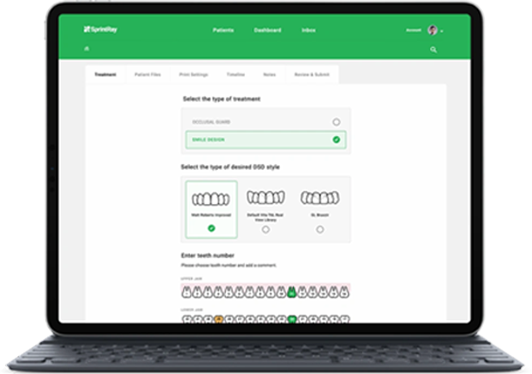
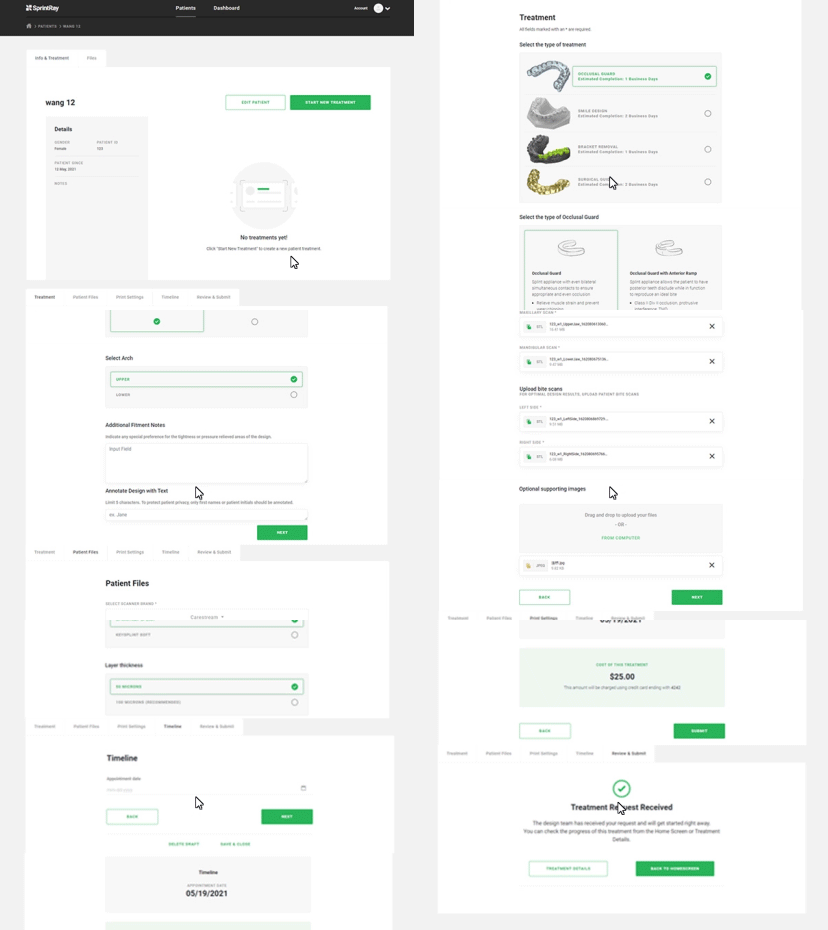
Fill in the required design services and images in the design center to ensure that our designers understand your needs
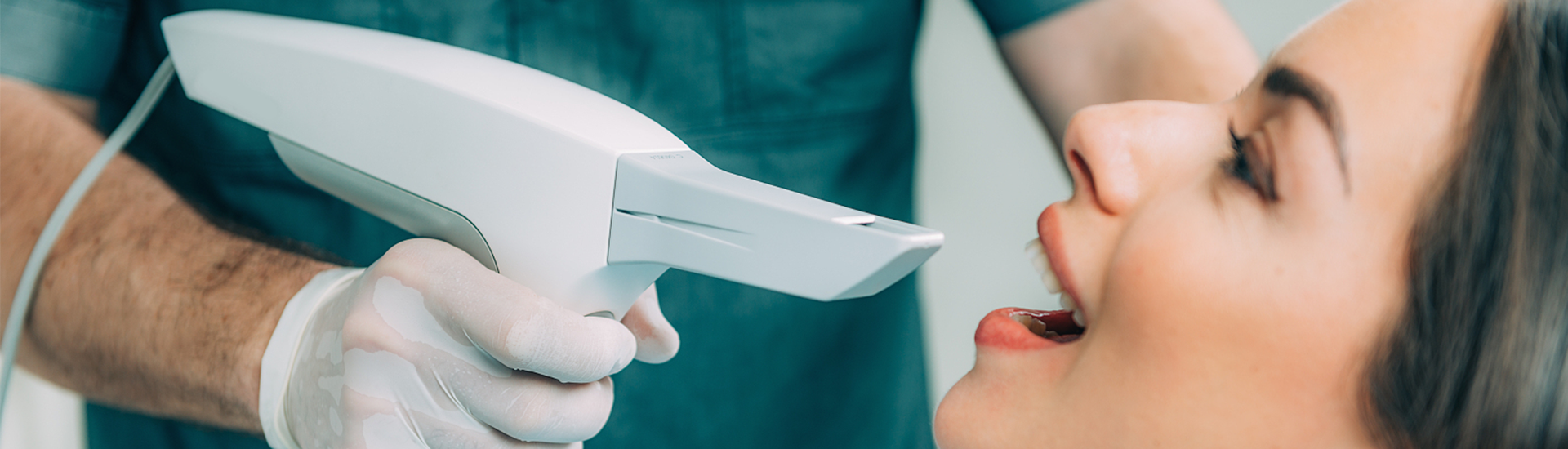
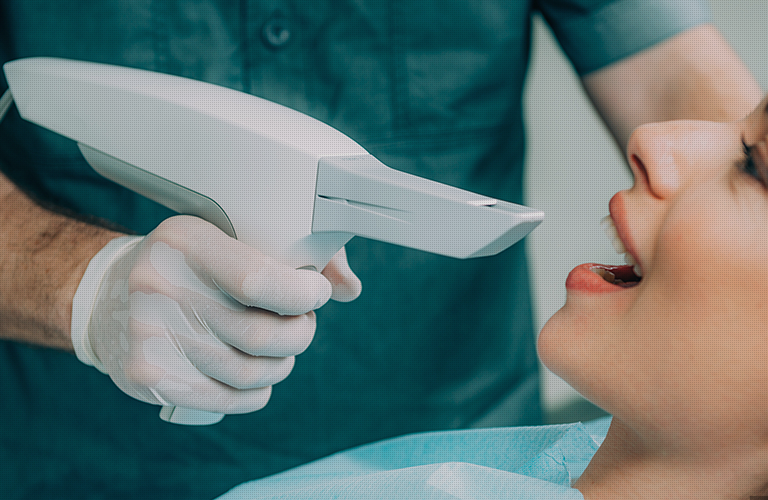
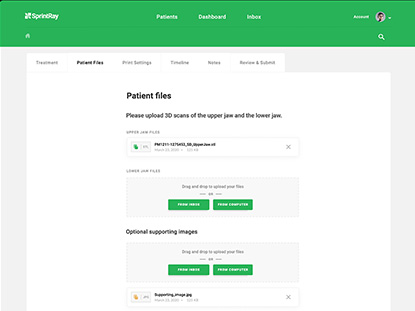
Our design service is compatible with any oral scanning data. Please upload the patient's oral scanning data to the design center or select the existing treatment plan record
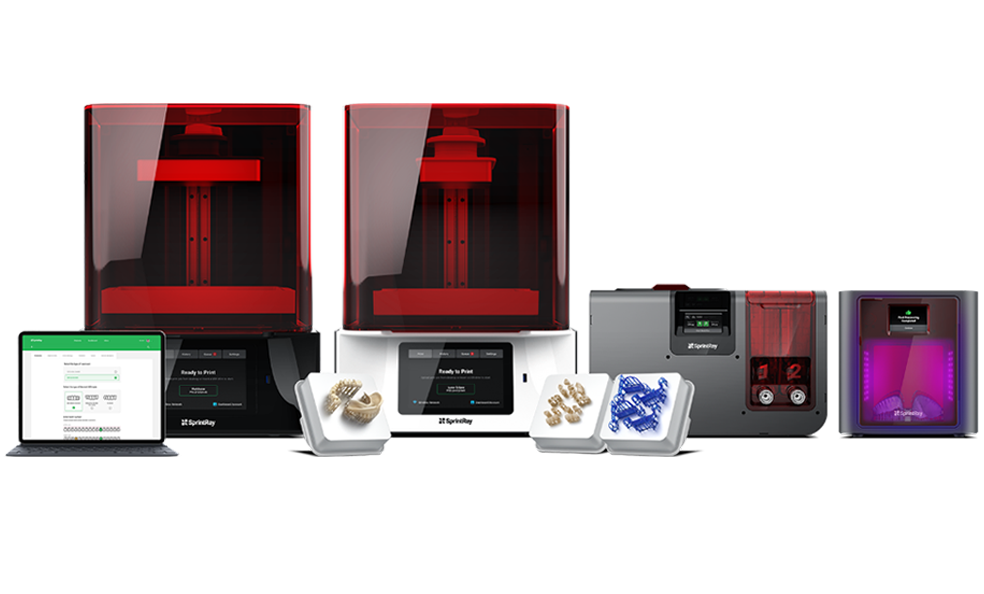
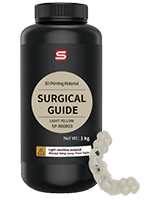
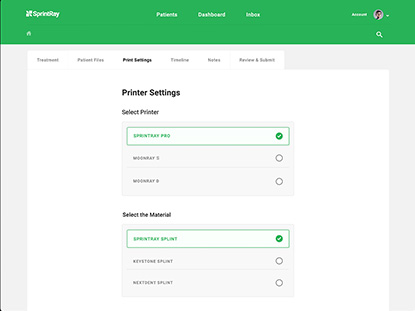
Tell us which SprintRay 3D printer and printing material you will choose. We will customize the service according to the printing parameters of your printer to ensure printing results. Therefore this step is very important.
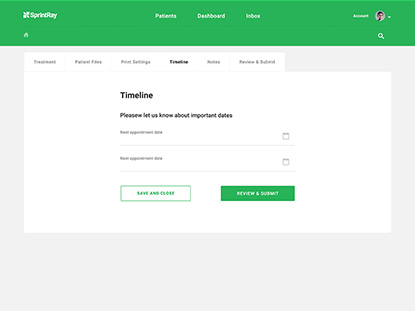
We will complete the design service before your deadline to ensure that you have enough time to print the dental model before the patient's next visit.
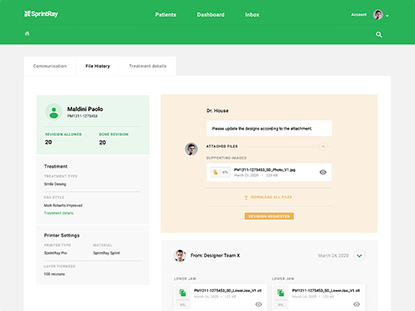
When your design requirements are submitted, the system will automatically establish a connection with our expert design team, you can check the order status or communicate with the designer at any time.





TOP